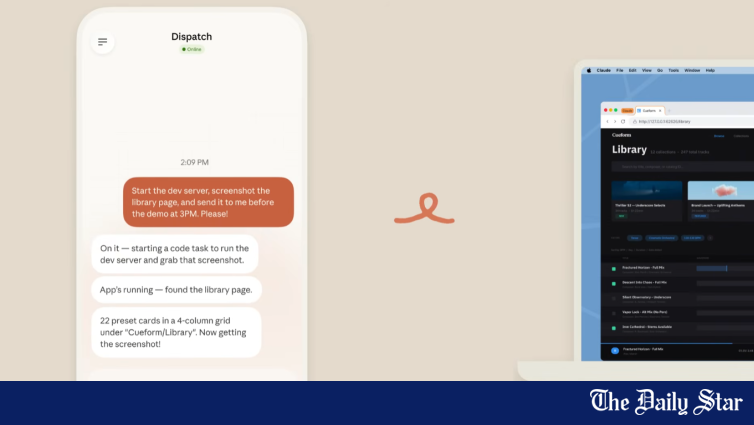
Anthropic has introduced a new feature that allows its AI assistant Claude to control a user’s computer directly, pointing, clicking, and navigating screens to complete tasks without requiring separate integrations.
The capability is available in research preview for Claude Pro and Max subscribers through the Claude Cowork and Claude Code platforms. When no direct tool integration exists for a given task, Claude can use the browser, mouse, keyboard, and screen to open files, scroll, click, and explore. The system requests explicit permission before accessing new applications.
The feature is designed to work with Dispatch, a separate tool released last week that lets users assign tasks to Claude from a phone and receive completed work on a desktop. Users can instruct Claude to perform recurring tasks such as checking emails, running tests, or generating reports while they are away from their computers.
Anthropic stated that safeguards have been built to minimise risks, including prompt injection, with automated scanning for such activity. Users can stop Claude at any time. The company acknowledged that computer use is still an early capability and recommended users start with trusted applications and avoid working with sensitive data. Some apps are off-limits by default.
Computer use is currently supported only on macOS. Users must enable the feature in the desktop app settings and keep the app running. The company said it was sharing the feature early to learn about its limitations, noting that complex tasks may require multiple attempts and that operating through a screen is slower than direct integrations.