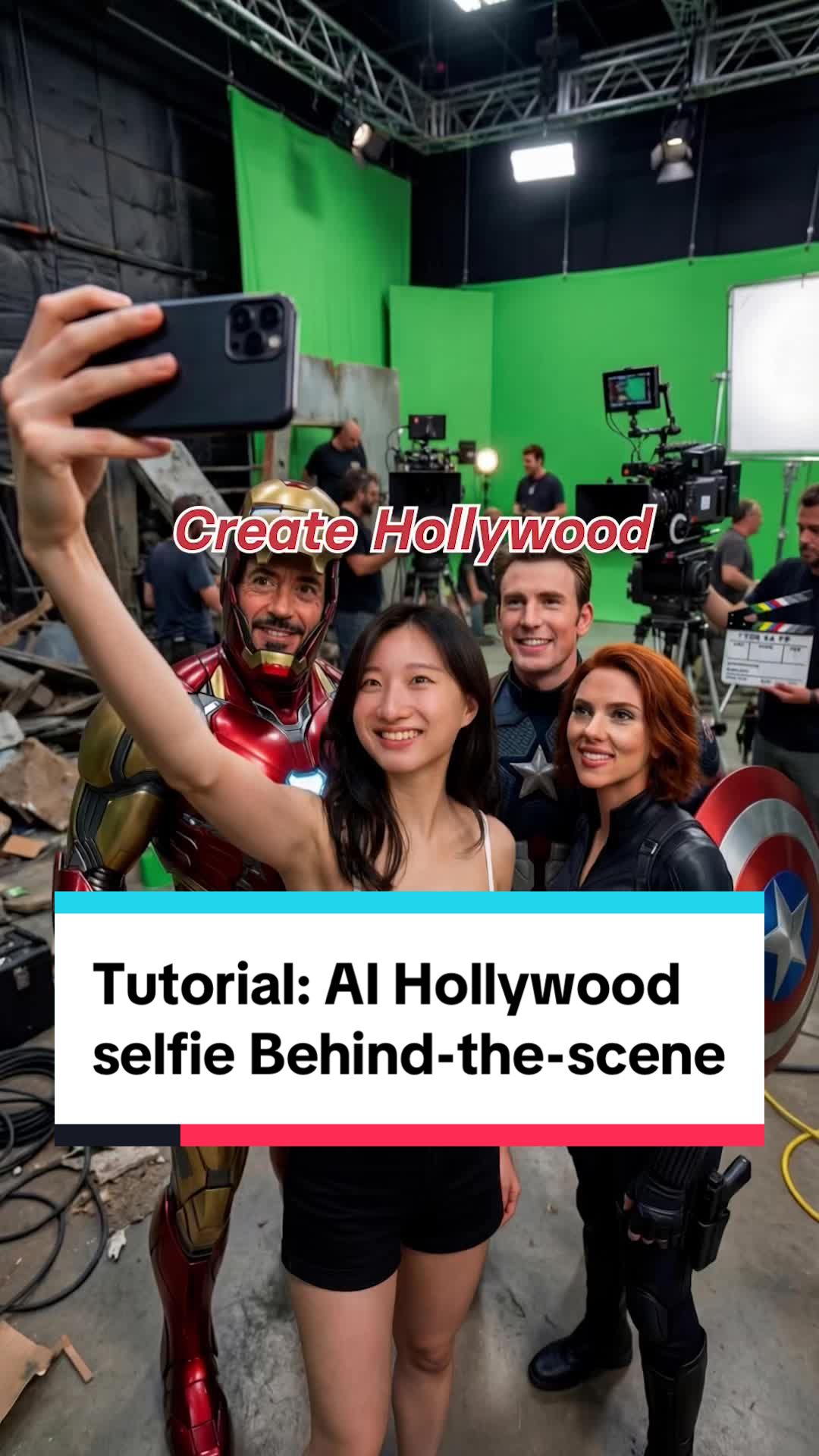
Tutorial: How to create viral AI Hollywood selfie video with Nano Banana pro 📸 Step 1: Grab a selfie of yourself 🤖 Step 2: Open Gemini and select ‘Thinking’ mode 🍌 Step 3: Upload selfie and copy and paste the prompt Image Prompt: Wide-angle selfie of the person holding a smartphone, with official {movie} main cast in the frame, mid-shoot on a set. Film crew, movie camera, boom mic, light stands, candid behind-the-scenes. 📝 Step 4: Go to Kling and turn the first and last frames into video! Video Prompt: The person with phone runs to the next scene to take a selfie with the actors while the camera is following the person naturally. #hollywood #selfie #behindthescences #nanobananapro #prompt That’s it! Now you have your AI behind the scene selfie transition!
♬ original sound – Synthesia_AI
@synthesia_ai Tutorial: How to create viral AI Hollywood selfie video with Nano Banana pro 📸 Step 1: Grab a selfie of yourself 🤖 Step 2: Open Gemini and select ‘Thinking’ mode 🍌 Step 3: Upload selfie and copy and paste the prompt Image Prompt: Wide-angle selfie of the person holding a smartphone, with official {movie} main cast in the frame, mid-shoot on a set. Film crew, movie camera, boom mic, light stands, candid behind-the-scenes. 📝 Step 4: Go to Kling and turn the first and last frames into video! Video Prompt: The person with phone runs to the next scene to take a selfie with the actors while the camera is following the person naturally. #hollywood #selfie #behindthescences #nanobananapro #prompt That’s it! Now you have your AI behind the scene selfie transition!